Ooredoo Money Qatar: Complete Guide to Register, Send, and Manage Your Wallet
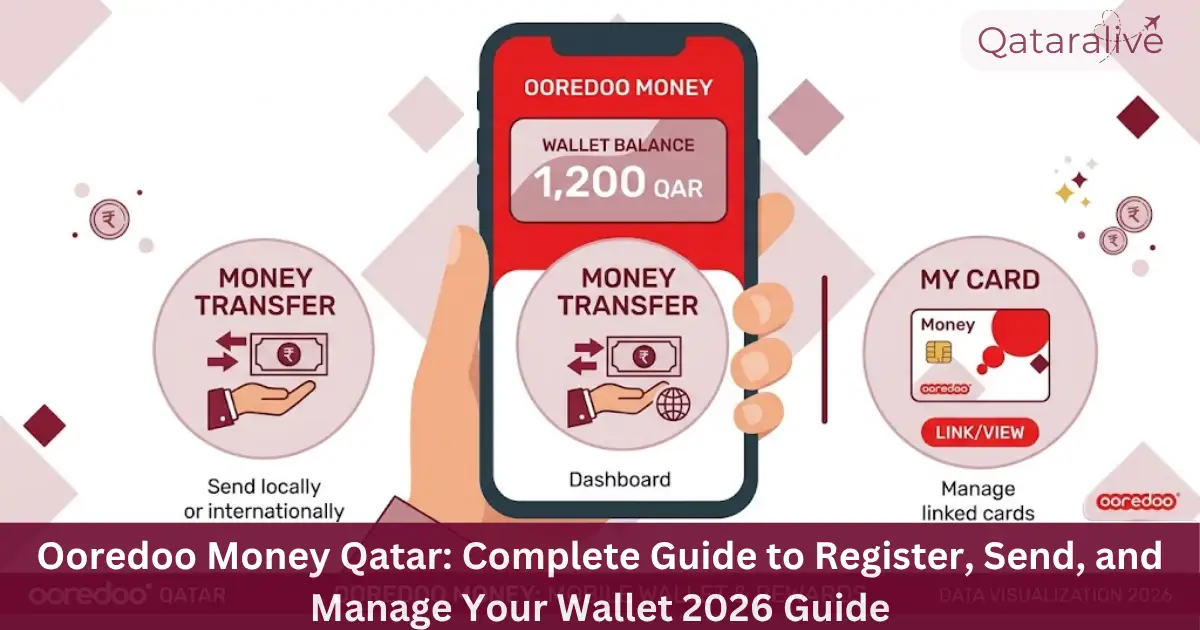
Ooredoo Money, also called Ooredoo Mobile Money or OMM, is a mobile wallet you can use to send money, pay bills, and manage your finances from your phone. It works with any Qatar-issued SIM, not just Ooredoo lines, and it’s regulated by Qatar Central Bank through QNB.
Ooredoo Money is a separate service from the Ooredoo app, which handles your mobile line, home internet, and account management. If you’re looking to recharge your line instead of sending money, see our how to recharge Ooredoo or Hala line Guide.
This guide covers everything about Ooredoo Money: how to register, add funds, send money locally and abroad, pay bills, and stay safe from fraud.
What Is Ooredoo Money?
Ooredoo Money is a digital wallet linked to your mobile number and Qatar ID. It lets you deposit, hold, and move money without a traditional bank account.
The service is licensed by Qatar Central Bank (QCB) as a digital payments provider, and the wallet balances are held through QNB. This regulatory backing matters because it means your funds sit in a supervised account rather than an unregulated app balance.
You can use Ooredoo Money to send money within Qatar instantly, transfer funds abroad to over 200 countries, pay bills, top up your Hala or Shahry line, and pay a domestic worker’s salary in a way that complies with Qatar’s Wage Protection System.
How to Register for Ooredoo Money?
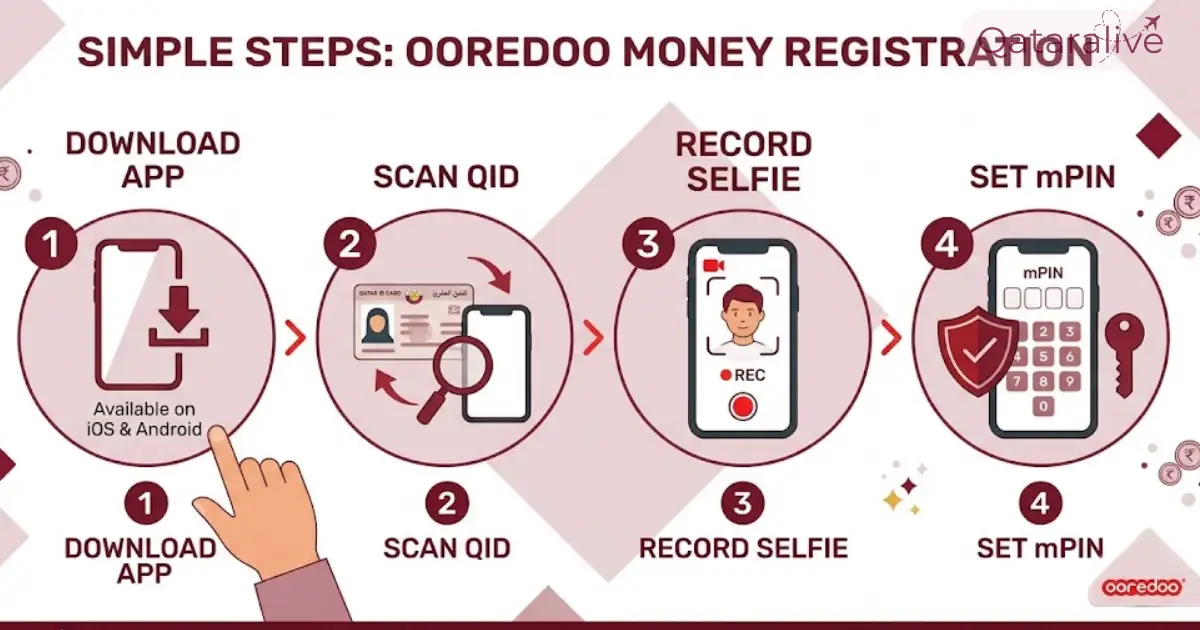
Documents you need to register
You need a valid Qatari ID (QID) or, for passport holders, a passport with a valid visa and entry stamp. You also need an active Qatar mobile number, on any network.
Registration steps
If you already have an Ooredoo mobile number, registration is fully self-service through the app. If you’re on another network, you may need to visit an Ooredoo Shop with your QID to complete verification.
Basic, Full, and Payroll Wallets
Ooredoo Money offers three wallet tiers. A Basic wallet activates automatically when you register and gives you quick access with lower transaction limits, useful if you just need to send occasional small amounts. A Full wallet unlocks higher daily and monthly sending limits and a higher maximum balance, and requires visiting an Ooredoo Shop or Starlink outlet with your original QID to upgrade.
A third tier, the Payroll Wallet, is designed specifically for paying domestic worker salaries and has its own separate limit structure.
Exact limits for each tier are covered in the fees section below, and your individual limit is always visible in the Limits section of the app.
How to Add Money to Your Ooredoo Money Wallet?
You can top up your wallet in several ways:
Deposits made through debit card or bank transfer typically reflect in your wallet within minutes. Cash deposits at an SSM are usually instant as well.
How to Send and Receive Money with Ooredoo Money?
Sending within Qatar
You can transfer money instantly to any other Ooredoo Money wallet in Qatar, and to other local wallets registered under the Qatar Mobile Payment (QMP) system. Sending to a bank account, including QNB, carries a fee of QR 4.
International transfers
For money sent abroad, Ooredoo Money partners with MoneyGram, Western Union, Transfast, Thunes, and several exchange houses, covering more than 200 countries. Transfers through MoneyGram can arrive in as little as 10 minutes, though some destinations and payment methods may take longer.
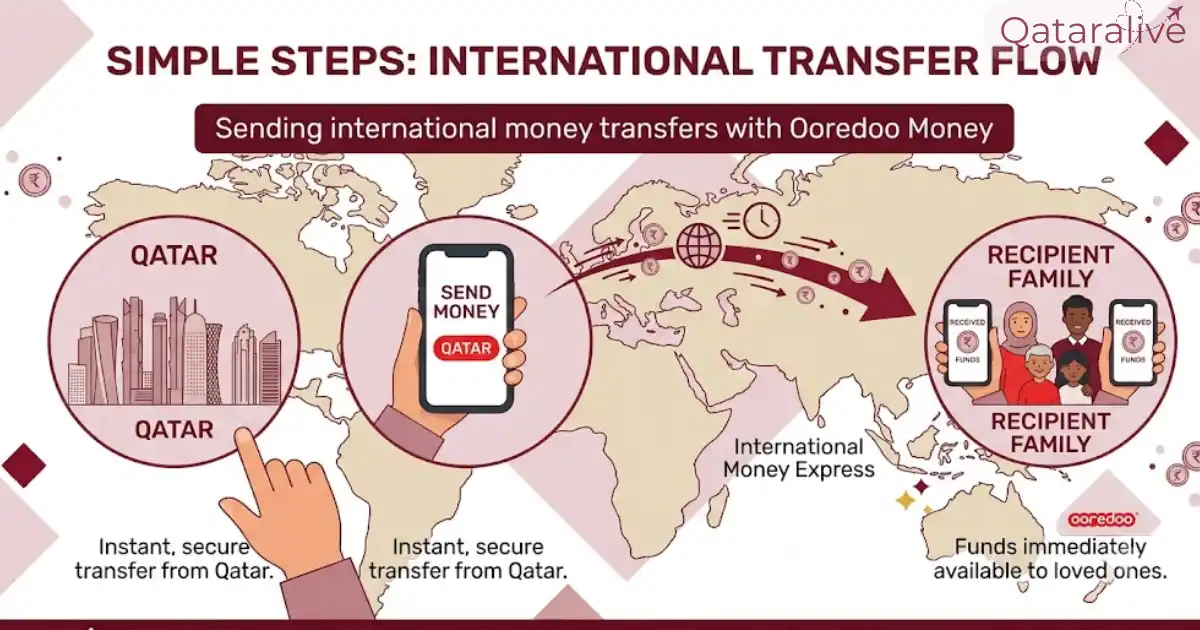
To send internationally:
If your app is unavailable, you can also use the USSD shortcut by dialing *140# and following the menu.
Sending to Nepal, India, the Philippines, and other countries
For popular remittance destinations like Nepal, India, and the Philippines, Ooredoo Money offers both cash pickup through partners and direct-to-bank-account transfers in supported countries. Always confirm the current fee and exchange rate for your specific destination in the app before sending, since both change based on the country, amount, and provider.
Ooredoo Money Fees and Transaction Limits
International transfers Fees
International transfers through MoneyGram, Western Union, Transfast, Thunes, or partner exchange houses start from QR 20, with the exact fee depending on the receiving country and transfer amount. The app shows your exact fee and exchange rate before you confirm any transaction.
Local Wallet-to-Wallet Transfer Fees
Sending money to another Ooredoo Money wallet within Qatar is charged on a sliding scale based on the amount sent:
Transfer amount | Fee |
|---|---|
QR 1 to 100 | QR 2 |
QR 101 to 200 | QR 3 |
QR 201 to 500 | QR 5 |
QR 501 to 1,000 | QR 7 |
QR 1,001 to 4,000 | QR 9 |
QR 4,001 to 7,000 | QR 11 |
QR 7,001 to 10,000 | QR 13 |
To a bank account (including QNB EasyPay) | QR 4 |
Other Service Fees
Service | Fee |
|---|---|
Registration | Free |
Cash in (Self-Service Machine, Ooredoo Shop, QNB EasyPay, banks) | Free |
Cash in via debit card | QR 3 |
Hala top-up or Shahry bill payment | Free |
Karwa Smartcard top-up | Free |
DPS school fee payment | QR 10 |
Domestic worker salary payment | QR 10 |
Cash out at an Ooredoo Shop | QR 4 |
Cash out at a QNB ATM | QR 3 |
Annual maintenance fee | QR 30 |
Transaction Limits by Wallet Type
Your daily and monthly limits depend on which wallet tier you hold.
Full Wallet
Payroll Wallet (for paying domestic worker salaries)
Basic Wallet
These are maximum limits set by Ooredoo. Your individual limit may be lower and is visible in the Limits section of the app.
How to Upgrade Your Transaction Limit
To move from a Basic to a Full wallet, request an upgrade directly in the Ooredoo Money app, or visit any Ooredoo Shop or Starlink outlet with your original QID.
Exchange rates update daily based on market rates and are shown in real time inside the app before you confirm any transfer. Always check the exact fee and rate on the confirmation screen, since published figures can change without notice.
Paying Bills and Salaries with Ooredoo Money
Utility and Shahry bill payments
You can pay Ooredoo Postpaid (Shahry) bills and other utility bills directly from your wallet. Payments within Qatar are free, while a small fee applies to bills paid in supported countries abroad, currently including Egypt, Pakistan, India, and Kenya.
Domestic worker salary payments
If your domestic worker has an Ooredoo Money account, you can pay their salary directly to their wallet for a fee of QR 10 per payment. This method is designed to comply with Qatar’s labour law requirements, including the Wage Protection System (WPS), and supports bulk payments if you’re paying multiple employees.
Check out Qatar labour laws new reforms.
Withdrawing Money and Using the Virtual Mastercard
You can withdraw cash from your Ooredoo Money wallet at Ooredoo Self-Service Machines or QNB ATMs. For online purchases, the app lets you generate a virtual Mastercard instantly, which you can use anywhere Mastercard is accepted online without needing a physical card.
Ooredoo Money Safety Tips
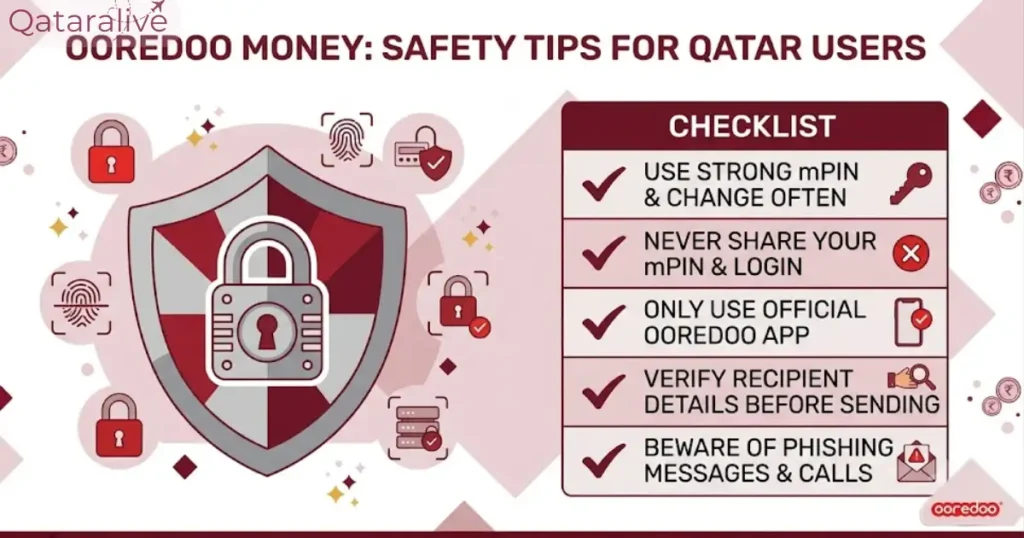
Ooredoo Money handles real funds, so basic account hygiene matters.