
Ooredoo App Qatar: Complete Guide to Download, Setup & Features 2026
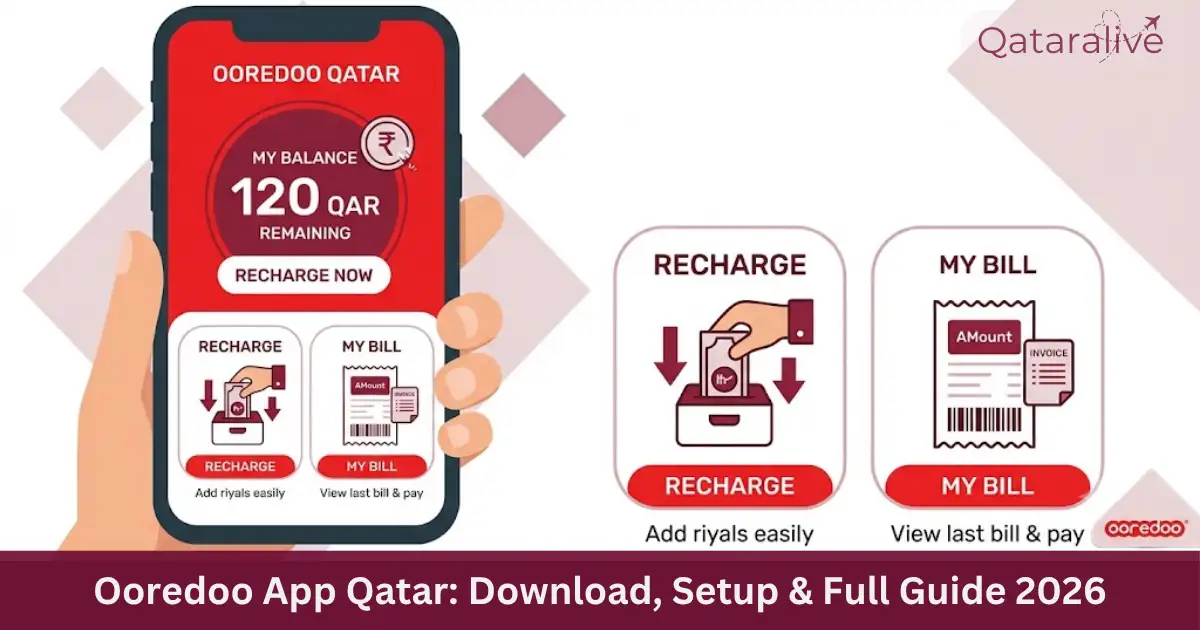
The Ooredoo app is the official way to manage your mobile, home internet, and payment services in Qatar from your phone. Whether you use a prepaid Hala line, a postpaid Shahry or Qatarna+ plan, or Ooredoo Home Internet, the app lets you check your balance, recharge, pay bills, and reach customer care without visiting a store.
This guide covers everything about the Ooredoo app: how to download and set it up, what it can do, how it compares to other ways of managing your account, how to reach customer care, and fixes for common problems.
Protect your Whatsapp account with 2 Step verification.
What Is the Ooredoo App?
The Ooredoo app is a free mobile application published by Ooredoo Qatar, the country’s leading telecom provider. It works for prepaid, postpaid, and home internet customers, and connects to your account using your Ooredoo mobile number.
Inside the app, you can track your data and minute usage, recharge your line, pay bills, manage add-ons, and shop for new devices. You can also earn and redeem Nojoom loyalty points, request home internet installation, and reach Ooredoo’s Help Centre directly through the app.
Who Should Use the Ooredoo App?
How to Download and Register on the Ooredoo App?
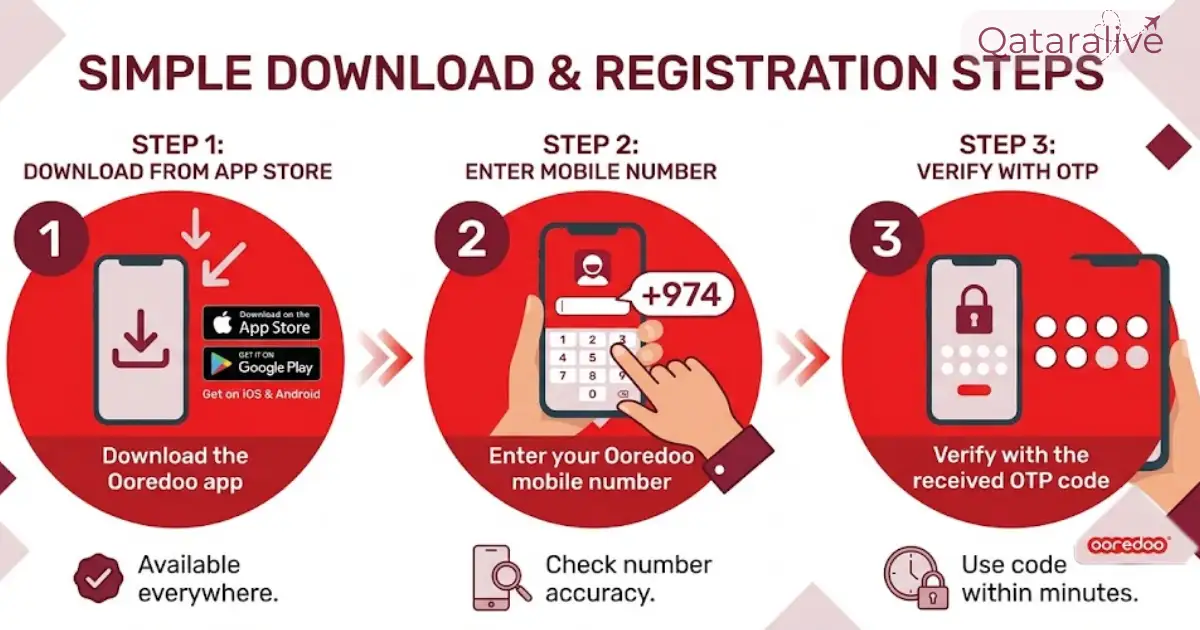
Download for Android and iOS
Registering or logging in Steps
If you already have an Ooredoo Self-Care web account, you can usually log in to the app with the same credentials. During setup, the app may ask for permission to access your phone’s health data (for step-count based sports offers) and notifications.
These permissions are optional and only affect specific promotional features, not core account functions.
Ooredoo App vs USSD Codes vs Self-Care Website
Ooredoo gives you three main ways to manage your account. Each has its place depending on your situation.
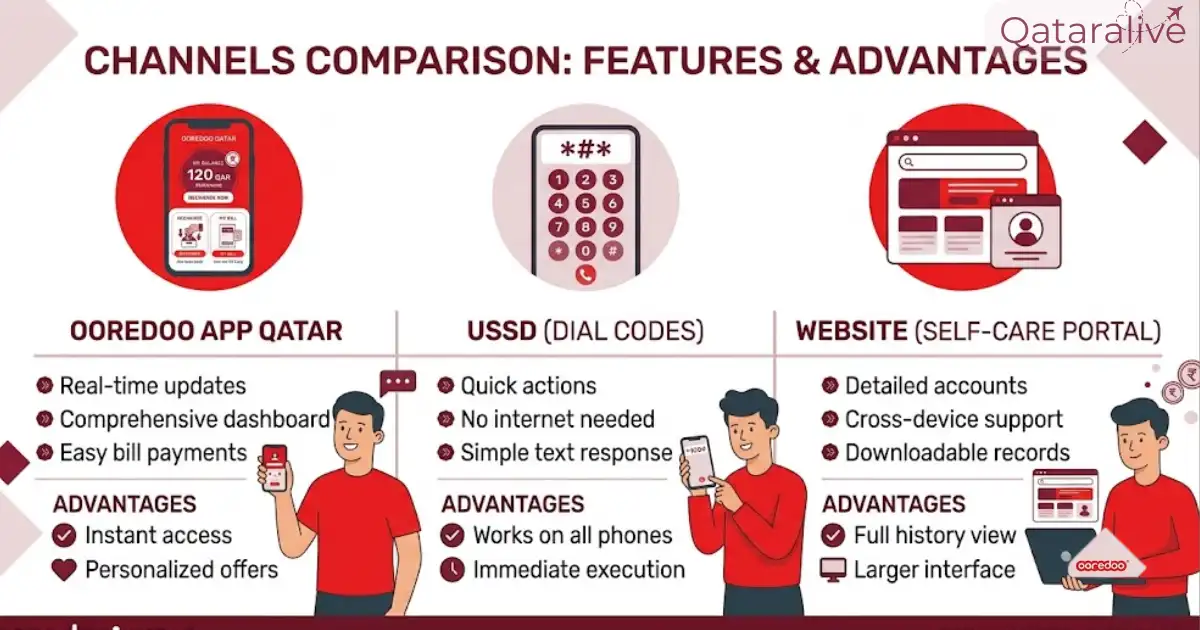
Method | Best for |
|---|---|
Ooredoo app | Full account management, payments, Nojoom rewards |
USSD codes (e.g. *129#) | Quick balance or number check with no data |
Ooredoo Self-Care website | Managing account from a desktop browser |
If you are out of data and need to check your balance, a USSD code works even without an internet connection. If you want the full feature set, including bill payment and Nojoom redemption, the app is the better choice.
Ooredoo App Key Features
Check balance and usage
The home screen shows your remaining credit, data, and minutes at a glance. This is the fastest way to see how much you have left without dialing a code, and it also shows validity dates for your current plan.
Recharge and pay bills
You can top up and recharge a prepaid Hala line or pay a postpaid Shahry or Qatarna+ bill directly in the app. The app supports Apple Pay for iOS users and Google Pay for Android users, alongside standard debit and credit card payment.
See our full recharge Ooredoo Guide.
Manage eSIM and add-ons
You can reserve an easy-to-remember number, activate a new eSIM, and buy or manage data and call add-ons from the Subscriptions section. You can also block unwanted SMS senders directly from the app’s settings.
Home Internet management
If you have Ooredoo Home Internet or Home+, you can request a new installation at your desired location or upgrade your current plan through the app.
Ooredoo Money integration
The app connects with Ooredoo Money, a separate mobile wallet that requires your QID to register. Through Ooredoo Money, you can send funds locally and internationally, pay bills, and generate a virtual Mastercard for online payments.
Credit transfer and fast credit
If a friend or family member on Ooredoo needs credit, you can transfer some of your own balance to them directly through the app. If your own balance runs low, the app also supports Fast Credit, a short-term credit advance that gets deducted from your next recharge.
Shopping and device deals
The eShop section lets you browse and buy phones, tablets, and accessories, with prices reflecting current postpaid deals and promotions.
Nojoom Rewards Inside the App
Nojoom is Ooredoo Qatar’s loyalty programme, and the app is the main place to track and redeem it.

You earn Nojoom points automatically from up to 20 Ooredoo services linked to your Qatar ID, based on your monthly spend. Membership has tiers, starting from a base tier and moving up to Silver, Gold, and the top tier, Al Nokhba, each unlocking a higher points-per-riyal earning rate and better partner benefits.
Inside the app, you can view your digital Nojoom membership card, check your points balance, and redeem points for bill payments, Ooredoo vouchers, or device purchases. Points can also be used with over 250 partner brands across dining, retail, hotels, and travel, and some partnerships allow converting Nojoom points into airline rewards.
Nojoom points cannot be converted directly into cash, and points earned through partner transactions do not count toward tier upgrades. Terms can change, so check the in-app Nojoom section for the latest tier requirements before relying on a specific benefit.
Ooredoo Customer Care and Contact Numbers
If you need help beyond what the app offers, here is how to reach Ooredoo Qatar directly.
Hotline and toll-free numbers
Email and live chat support
For non-urgent issues, email [email protected]. The app and Ooredoo’s website also offer live chat with the obot support assistant, or a handover to a live agent for more complex issues.
Business login and support
Business customers have a separate support line and login portal from personal consumer accounts. Business customer care operates daily from 7 AM to 10 PM, while sales support runs Sunday to Thursday, 8 AM to 8 PM.
Store and ATM locations
Ooredoo has a store locator on its website and app to find the nearest branch, including the Al Sadd office. Ooredoo Self-Service Machines (SSMs), often referred to as Ooredoo ATMs, are available across Qatar for cash top-ups, bill payments, and Ooredoo Money services.
Branches are generally closed on Fridays, apart from a few mall locations that keep extended hours.
Quick Reference: Useful Ooredoo USSD Codes
These codes work without the app or a data connection, and are useful as a backup when you cannot log in.
Code | What it does |
|---|---|
*129# | Check main balance and validity |
1292# | Check bonus balance |
130number*amount# | Transfer credit to another Ooredoo number |
*100# | Access the main USSD menu (Hala and Shahry services) |
1001# | Activate voicemail or change language |
100400# | Deactivate voicemail |
*43# | Activate or deactivate call waiting |
Common Ooredoo App Issues and Fixes
App asks for Face ID every time
Go to your phone’s app permissions settings and confirm Face ID or fingerprint access is allowed for the Ooredoo app, then re-enable biometric login inside the app’s security settings.
Slow loading or app freezing
Close the app fully, clear its cache (on Android: Settings, then Apps, then Ooredoo, then Storage, then Clear Cache), and reopen it. If the problem continues, update to the latest version or reinstall the app.
Payment or recharge fails
Check your internet connection first, since a weak connection is the most common cause. If the payment still fails, try a different payment method, confirm your card details are correct, or use a USSD code as a backup.
Can’t log in or reset password
Use the “Forgot Password” option on the login screen. If you don’t receive a reset email, check your spam folder, or contact customer care to confirm the email address linked to your account.
International minutes or roaming data not showing correctly
This is a known issue some users report after app updates. If your roaming balance looks wrong, avoid making assumptions about what you have left, and confirm your real balance by calling 111 or checking with customer care before you rely on it while traveling.