
How to Enable 2 Step Verification on WhatsApp in Qatar
Your WhatsApp account contains personal chats, photos, contacts, and important information. While SMS verification helps secure your account, enabling Two-Step Verification adds an extra layer of protection by requiring a 6-digit PIN whenever your phone number is registered on a new device.
If you haven’t enabled this feature yet, this guide will show you exactly how to do it on both Android and iPhone.
What Is WhatsApp 2 Step Verification?
WhatsApp Two-Step Verification is an optional security feature that requires you to enter a 6-digit PIN in addition to the SMS verification code whenever your phone number is registered on WhatsApp.
This helps prevent someone from accessing your account even if they receive your SMS verification code.
How to Enable 2 Step Verification on WhatsApp
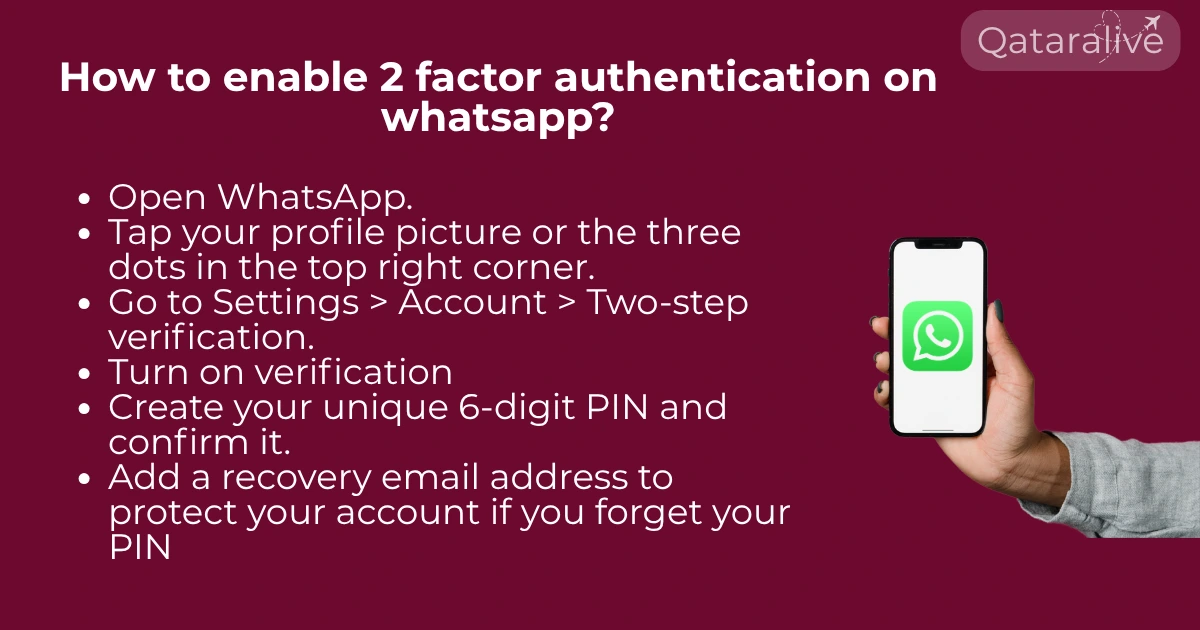
Step 1: Open WhatsApp
Launch the WhatsApp app on your smartphone.
Step 2: Go to Settings
Step 3: Open Account
Tap Account.
Step 4: Tap Two-Step Verification
Select Two-step verification.
Step 5: Tap Turn On
Tap Turn on to start the setup.
Step 6: Create a 6-Digit PIN
Choose a 6-digit PIN that you’ll remember.
Avoid using:
Step 7: Confirm Your PIN
Enter the same PIN again to verify it.
Step 8: Add an Email Address (Recommended)
WhatsApp will ask you to add an email address.
Although optional, adding an email is highly recommended because it allows you to reset your PIN if you forget it. Verify your email address when prompted.
Step 9: Finish Setup
Tap Done.
Why Enabling 2 Step Verification Is Important in Qatar
Cybercrime and online scams continue to increase worldwide, and Qatar is no exception. Over the past few years, authorities have warned residents about scammers attempting to hijack WhatsApp accounts by tricking users into sharing verification codes, clicking fake links, or linking their accounts to unauthorized devices.
Many victims only realize their account has been compromised after they are logged out of WhatsApp or their contacts start receiving suspicious messages asking for money or personal information.
If someone gains access to your WhatsApp account, they may:
Enabling 2 Step Authentication significantly reduces the risk of unauthorized access because anyone trying to register your phone number on another device will also need your 6-digit PIN.
Make sure to protect your accounts on Metrash app and Ooredoo app in Qatar.
Benefits of Two-Step Verification
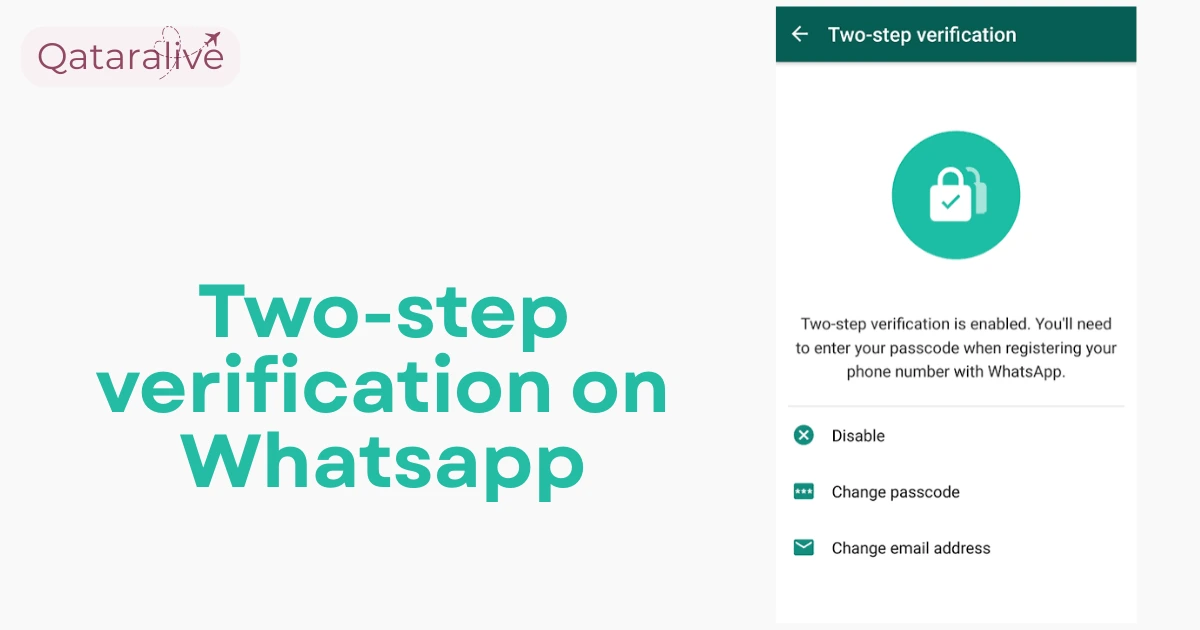
Your WhatsApp account is now protected with Two-Step Verification.
Common WhatsApp Scams Reported in Qatar
Residents should stay alert to these common WhatsApp scams:
How to Disable 2 Step Verification
If you ever want to turn it off:
Security Tips for WhatsApp Users in Qatar
Follow these best practices to keep your account safe:
How to Change Your PIN
How to Change Your Recovery Email
- Open Settings.
- Tap Account.
- Select Two-step verification.
- Tap Change Email Address.
- Enter and verify your new email.
Common Problems and Solutions
I Forgot My PIN
If you added an email address during setup, you can reset your PIN through the recovery email sent by WhatsApp.
If you didn’t add an email, you may need to wait before you can verify your number again, depending on WhatsApp’s security measures.
I Didn’t Receive the Verification Code
Can Someone Access My WhatsApp Without My PIN?
If Two-Step Verification is enabled, they would need:
Without the PIN, registering your number on another device becomes much more ifficult.
Conclusion
WhatsApp has become an essential communication tool for individuals, families, and businesses across Qatar. As online scams and account takeover attempts continue to rise, enabling 2 Step Verification is one of the easiest and most effective ways to protect your account. By creating a strong 6-digit PIN and adding a recovery email address, you can significantly reduce the risk of unauthorized access and keep your chats, contacts, and personal information secure.