RoboTaxi Qatar | How to book online Complete Guide
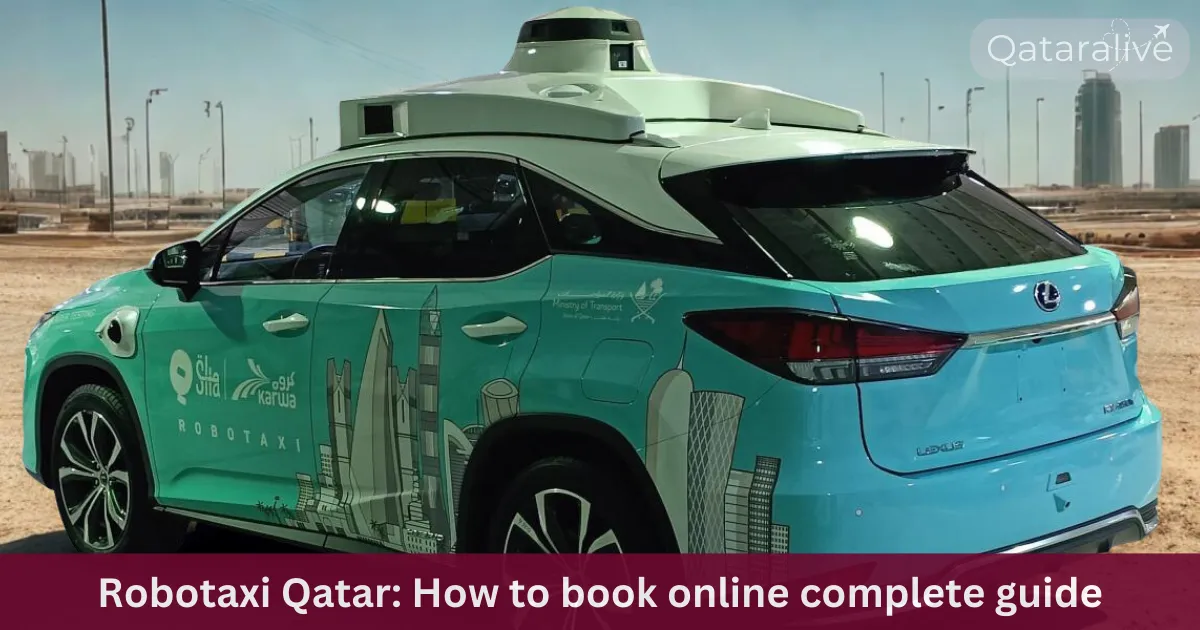
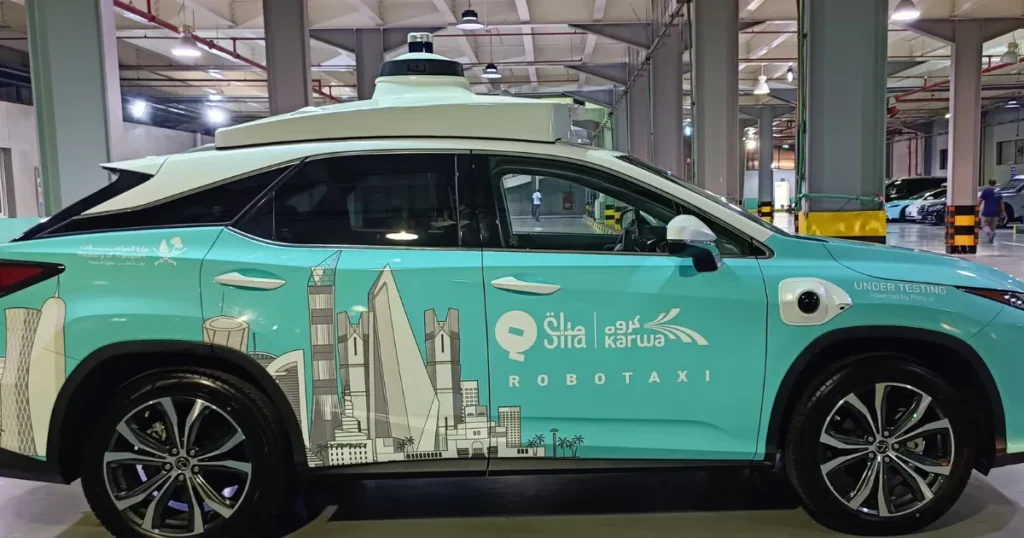
Karwa has just started operating self driving robotaxis in Doha, under the supervision of Qatar’s Ministry of Transport. If you want a simple robotaxi Qatar guide that is up to date for late 2025, this walkthrough will help you get ready, book safely, and know what to expect inside the car.
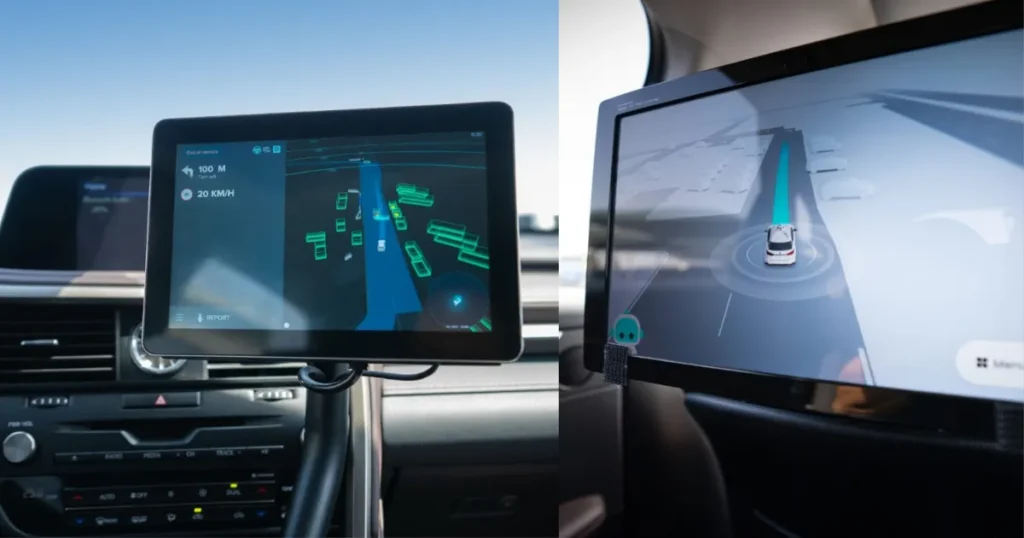
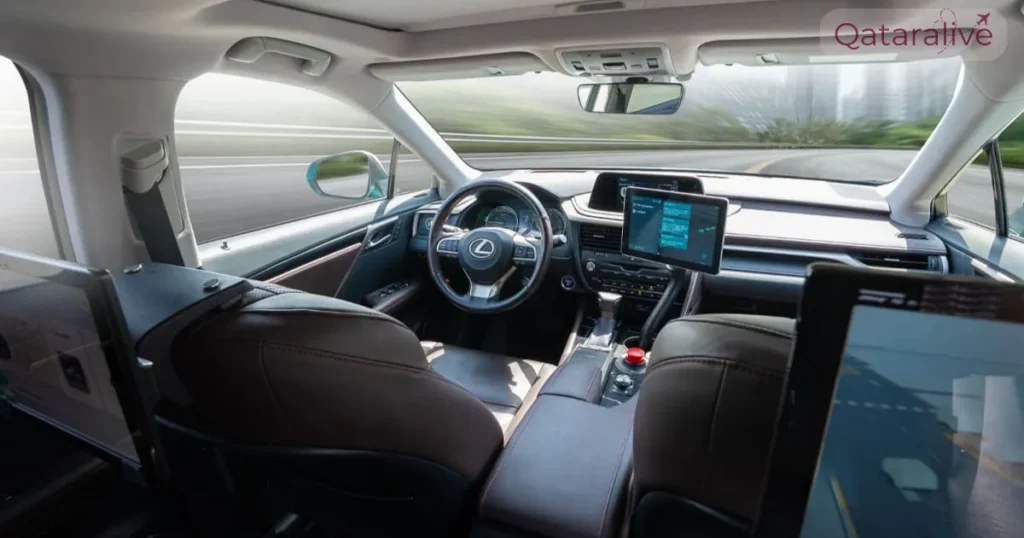
Qatar tested self-driving robotaxis at Old Doha Port. The Ministry of Transport invited the selected members of public to ride in these autonomous vehicles. Advanced sensors and cameras navigate the cars without human help.
A safety officer stayed inside during the rides to ensure everything runs smoothly. This trial builds public trust in new technology. It also helps Qatar create a smarter and more sustainable transportation system.
What you need to book a Karwa RoboTaxi Service?
Before you can book, make sure you have the basics ready.
The service is still in pilot phase, so availability is limited and the experience is slightly different from a normal Karwa taxi. With the right app setup and some basic preparation, you can be among the first riders to try this new smart mobility option in Qatar.
How to book Robotaxi Qatar online step by step process (karwa App)?
Follow these steps the first time you try to book this service.
Step 1: Install or update the Karwa Official app
Search for “Karwa Official” in the Apple App Store, Google Play Store, or Huawei AppGallery, and install it. Make sure you are using the latest version because autonomous vehicle support was added only in recent updates, including version 7.0.1 in mid December 2025.
Open the app and allow the requested permissions, especially location access. This helps the system detect your pickup point and confirm whether you are inside a zone.
Step 2: Create your Karwa account
Add your name and email, then save your profile. This makes it easier to retrieve receipts and handle customer support later.
Enter your mobile number with the correct country code and follow the SMS verification steps. If you used the Karwa app in the past, you may be asked to log in again with updated security, such as social login or password less access.
Step 3: Add or confirm your payment method
Open the payments or wallet section in the app menu. Add a bank card or top up the in app wallet if that option is available in your account.
If you prefer cash, check whether cash is still accepted for autonomous rides, since some pilots may require cashless payments for easier logging. The app will always show active payment options on the confirmation screen, so do not confirm if you are not happy with the payment method shown.
Step 4: Set your pickup location
On the main booking screen, the map should centre on your current position. Drag the pin or type an address to refine your pickup point, then double check that the street side makes sense and is safe for a vehicle to stop.
In some pilot zones, special robotaxi pickup spots may be marked in the app or by physical signage. If the app automatically snaps your pin to a nearby designated stand, accept that location rather than forcing a custom point that may not be in the mapped area.
Step 5: Choose your destination
Enter your destination as you would for a standard Karwa taxi. The system checks in the background whether both ends of the trip are inside the approved operating area and route network.
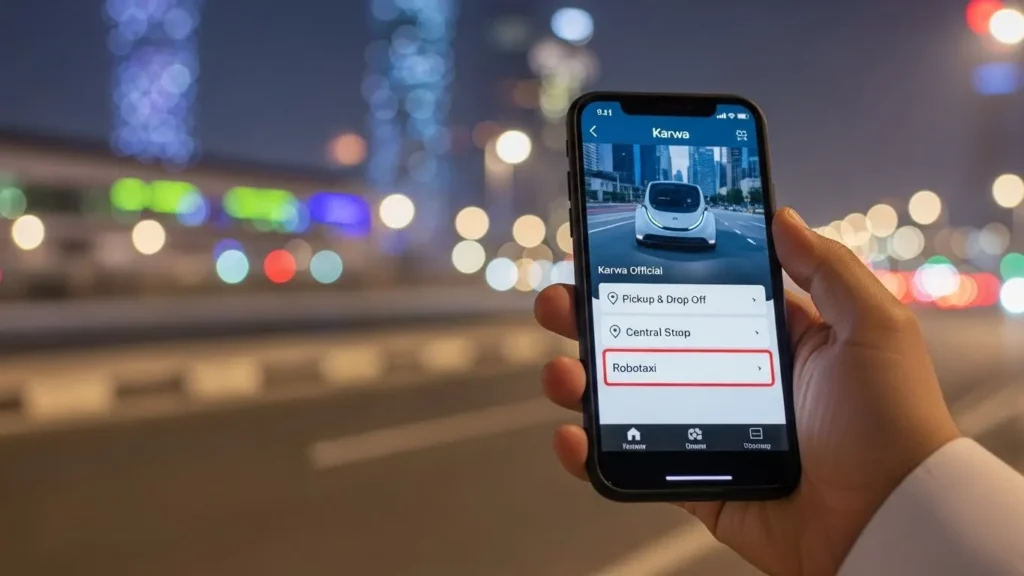
Step 6: Select the robotaxi service type
Tap the autonomous vehicle tile from the list of service options. You will normally see an estimated arrival time, a rough fare estimate, and sometimes a short note explaining that this is a pilot autonomous service under the Ministry of Transport.
Step 7: Confirm the booking
Check pickup, drop off, service type, and payment method one more time. Then tap the book button.
Step 8: Boarding and ride control
When the taxi arrives, verify the vehicle against the information in your karwa official app. Only board if the car matches the plate or identifier and the app shows it is “Arrived” or ready.
Step 9: Ending the trip and getting your receipt
Once you reach your destination, the vehicle will pull into a safe stopping point and the app will show that the ride is complete or ready to end. Confirm the end of the trip in the app if requested.
Features of the Electric Robotaxi
How much does a robotaxi cost compared with a normal taxi?
Official tariff tables for robotaxis have not yet been widely published as of December 2025. In most pilot programs worldwide, fares are set close to or slightly below normal taxis to encourage adoption, but exact numbers in Qatar will depend on ministry approvals and operating costs.
Remember that during the pilot, special promotional pricing or free trial rides may appear for some users or routes. These offers can change quickly, so rely on what the app displays on your booking screen, not on a fixed price list from memory.
How Robotaxi Qatar appears inside the Karwa app?
The official Karwa app is the main entry point for booking robotaxis. The December 2025 release notes explicitly mention new support for autonomous vehicles and a redesigned booking flow.
Inside the app, robotaxis are offered as a separate service type alongside normal taxis and limousines. You will typically see them as a distinct option where you choose the ride category, for example regular taxi, economy, or limousine, and then an autonomous or robotaxi choice when your route is eligible.
If you do not see any robotaxi service tile or label once you set pickup and drop off inside Doha, that usually means your chosen route or time is outside the active robotaxi pilot window.
If RoboTaxis are not available, how else can you ride with Karwa?
Even if you cannot book a robotaxi on a particular day, the same app and network give you several alternatives. Mowasalat confirms that normal Karwa taxis and limousines can be booked through the Karwa app, via online booking, or by calling the customer service centre at 4458 8888.
Here are your main options when the autonomous service is unavailable.
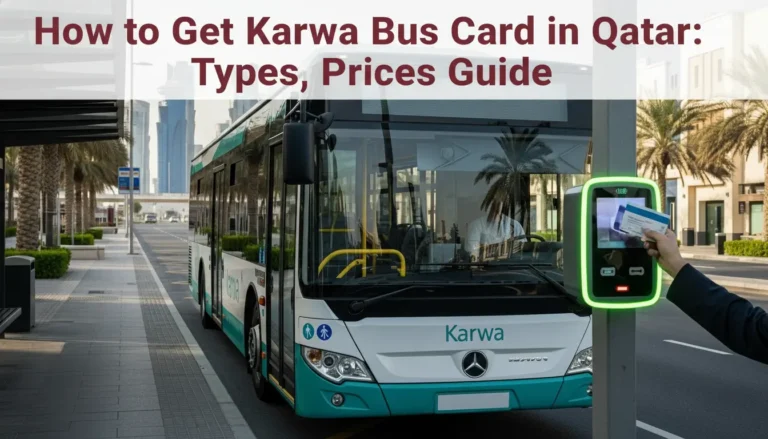
You can also use other licensed passenger transport apps that the Ministry of Transport has approved, such as Karwa bus with card, Uber and several local platforms. You can also recharge your Karwa card.
How to travel in robotaxis?
Safety standards for robotaxis are at least as strict as those for normal taxis, and often more demanding. Each vehicle carries multiple redundant sensors and systems so it can safely stop in case of a fault and meet the ministry’s requirements for Level 4 autonomy.
As a rider, you have responsibilities too.
Common booking and ride issues with robotaxis?
Because the service is still new, you may encounter some issues that rarely appear with normal taxis.
If the app crashes or your phone battery dies during the ride, keep calm and follow any instructions on the in car displays. The operations team can see the vehicle status separately from your phone and can guide you if needed.
Is the Karwa robotaxi available to everyone?
The project is designed as a public service, but access is being opened step by step. Early on, rides may be prioritised in specific areas, special events, or for users who received invitations or in app prompts.
Over time, the Ministry of Transport and Mowasalat plan to widen access as the technology proves reliable and regulations are finalised. Until that happens, you might not always see a robotaxi option for every pickup and drop off point, even inside Doha.
If the app does not show a robotaxi option for your trip, you can still use a standard Karwa taxi or other licensed apps in the same interface where available.
Where and when are Karwa robotaxis available?
The Ministry of Transport has confirmed that robotaxis operate only on selected routes, mainly in tourist and service focused areas. Examples mentioned in official communications include touristic and service corridors in Doha that already have strong infrastructure and 5G coverage.
The rollout is structured in phases. The first phase used supervised runs without passengers, and the second phase introduces fully autonomous trips with passengers on board, continuing into the first quarter of 2026. So by December 2025, you may see robotaxis on the road, but they will still be under active monitoring and gradual expansion.
Operating hours, exact pickup points, and coverage zones are controlled centrally and can change as the trials progress. Always check the app on the day you ride.
Conclusion
Karwa’s robotaxis are the next step in Qatar’s long term plan to build a smart, safe, and efficient public transport network. With sensors, real time data, and close supervision by the Ministry of Transport, they extend the familiar Karwa experience into a fully autonomous format.
As coverage expands beyond initial tourist and service zones and trials run through early 2026, you can expect robotaxis to become a regular choice alongside buses, the metro, and normal taxis. Lets welcome the new innovation.